
Home Dashboard
Home Dashboard
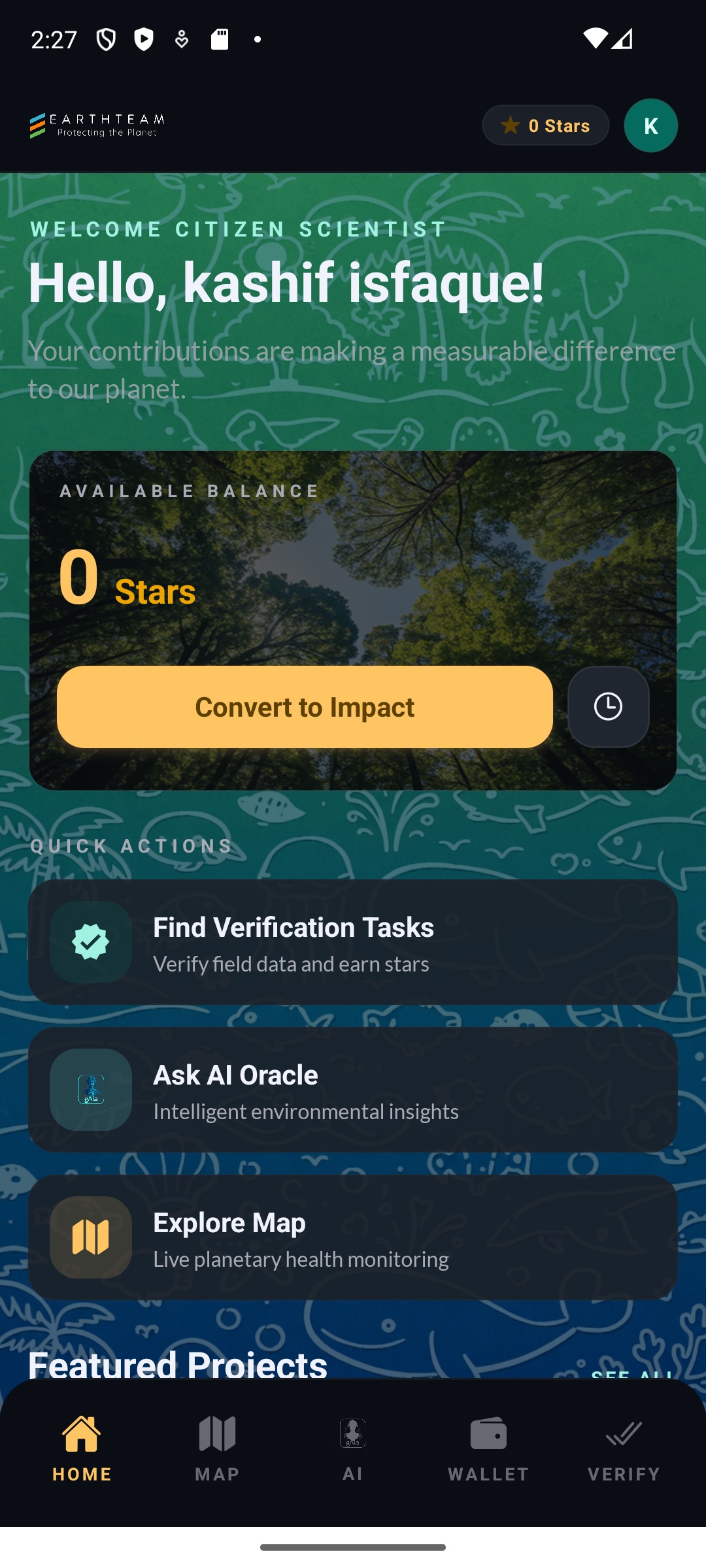
Section titled “Home Dashboard”Home is where you land after signing in. It answers three questions at a glance: how much you have earned, what you can do next, and where your Stars live.
The screen opens with a personal greeting, followed by three progress cards, a grid of four tiles that lead into the main parts of the app, and buttons for your Wallet and the Treasure Chest. An optional Spotlight section can showcase featured projects underneath.
Getting around is deliberately simple. Three buttons sit along the bottom of every screen — Home, gAia in the centre, and Explore for the map. Everything else is one tap away through the tiles or the menu behind the ☰ button in the top corner.
Key Capabilities
Section titled “Key Capabilities”- Your progress at a glance — Stars earned in total, projects you have uploaded, projects you have helped verify
- Four ways in — Learn, Earn, Share and Network tiles, each opening a different part of the app
- Wallet shortcut — jump straight to your balance and full transaction history
- Treasure Chest shortcut — browse the rewards you can spend Stars on
- Spotlight (optional) — featured projects with category filters, switched off by default and turned on in Settings
- Slide-out menu — Projects, Map, Verify Projects, Invite, Treasure Chest, Profile, Settings and help, from any screen
- Pull-to-refresh — refresh your Stars, project counts and verification progress
The four tiles
Section titled “The four tiles”| Tile | Where it takes you | |------|--------------------| | Learn | Guides about the app and about Planetary Health, plus this wiki | | Earn | Every way to earn Stars — adding a project, verifying others | | Share | The form for adding a project of your own | | Network | The directory of partner organisations and fellow protectors |
User Flow
Section titled “User Flow”- Sign in → land on Home
- Read your progress across the three cards at the top
- Tap a tile to learn, earn, share a project, or browse the network
- Tap Wallet or Treasure Chest for your Stars
- Use the bottom buttons to reach gAia or the map at any time
- Pull down to refresh
Screenshots
Section titled “Screenshots”
How It Works
Section titled “How It Works”When you open the app, Home loads your profile, your Stars balance and your activity totals from the EarthTeam servers, so the three progress cards always reflect the work you have actually done — verified projects and rewards included. The tiles and menu are simply routes into the rest of the app; nothing on Home needs to load before you can move on. Pull down at any time to fetch fresh numbers.
Spotlight is a preview feature while the team gathers feedback on it, which is why it starts switched off. You can turn it on or off yourself in Settings without affecting anything else.
Related Features
Section titled “Related Features”- Wallet — your balance and transaction history
- Treasure Chest — spending your Stars
- Network — partners and fellow protectors
- Verification — how projects get checked
- Map Explorer — the Explore button
- gAIa (AI Oracle) — the assistant in the centre