
Authentication
Authentication
Section titled “Authentication”The EarthTeam mobile app provides a complete authentication system with password-based login, OTP-based login, and new user registration.
Key Capabilities
Section titled “Key Capabilities”- Password Login — Email and password authentication
- OTP Login — Passwordless login via a 6-digit one-time password sent to your email
- User Registration — Create a new account with your name, email, username, and password
- Auto-Refresh — Your session stays active by automatically refreshing when needed
- Session Restoration — On app launch, your previous session is restored so you can pick up where you left off
- Secure Storage — Your credentials and tokens are stored safely on your device
How It Works
Section titled “How It Works”When you log in, the EarthTeam servers issue a secure session token that identifies your device and account. The app keeps this token safely stored on your device and uses it to authenticate every request you make. Before the token expires, the app automatically refreshes it in the background — so you stay logged in without interruption. On subsequent launches, the app retrieves your stored session, verifies it with the server, and loads your profile automatically.
User Flow
Section titled “User Flow”- App Launch — The app checks whether you already have a saved session
- If you are already signed in, your session is restored and you go straight to the main app
- If not, you are shown the Login screen
- Login: Enter your email and password (or switch to OTP mode)
- OTP Mode: Enter your email, receive a 6-digit code, then enter the code to log in
- Register: Fill in your name, email, username, and password, then verify your email address
- Session: Once authenticated, your session is saved securely and kept active automatically
Screenshots
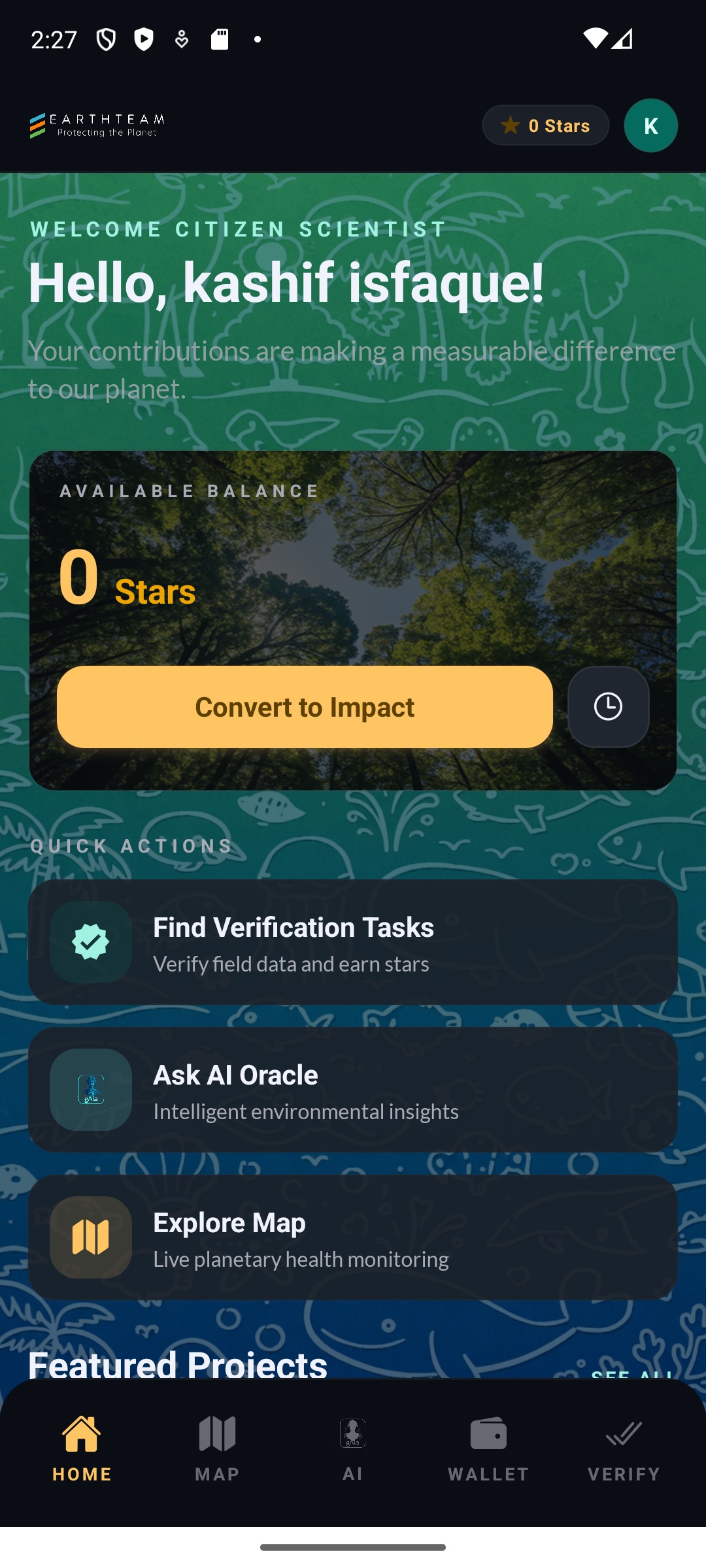
Section titled “Screenshots”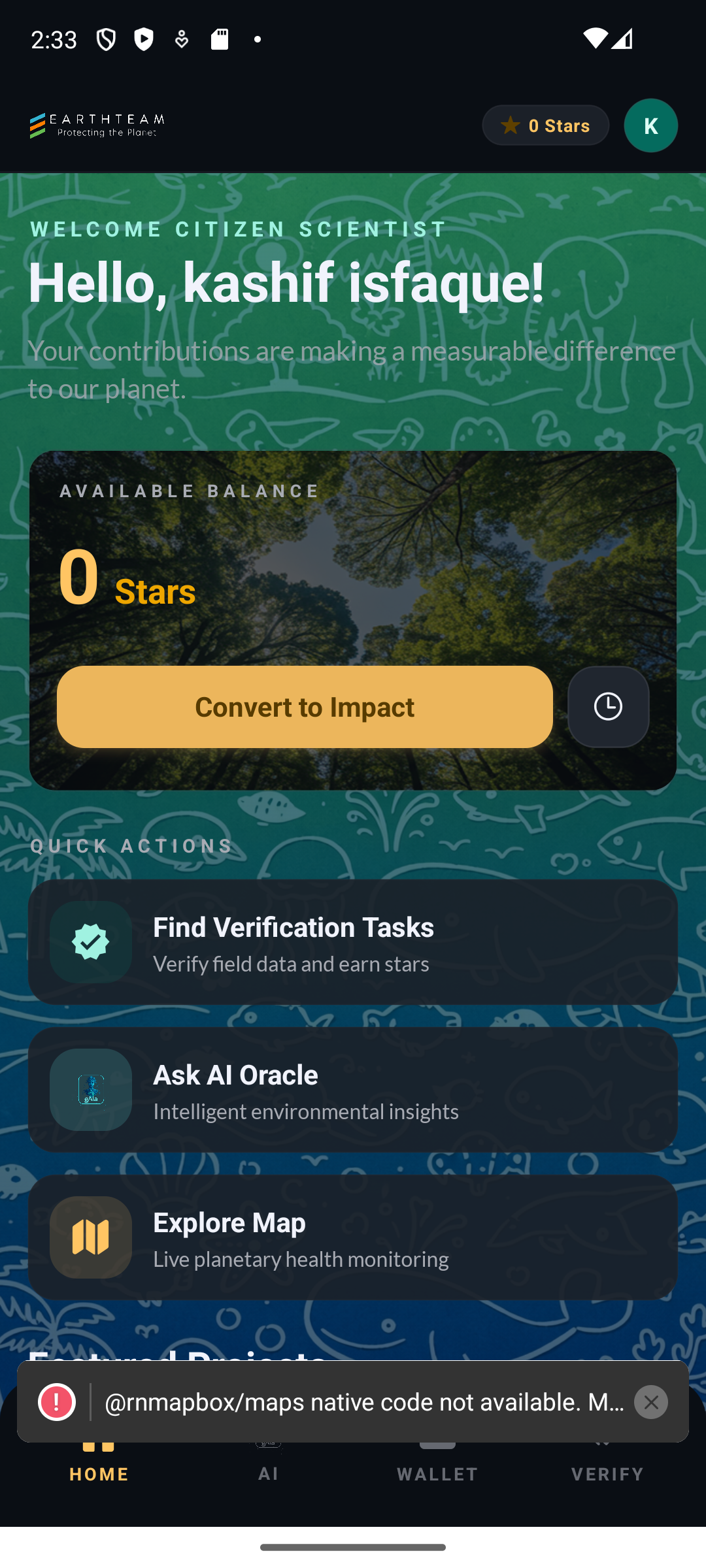
Browsing as a guest
Section titled “Browsing as a guest”You don’t need an account to look around. Continue as guest on the sign-in screen opens the full reading experience — the map, project lists, project pages, guides and the leaderboard. The moment you try to do something (like, comment, add a project, verify), the app asks you to sign in — and “Skip for now” takes you right back to where you were. Guests can even chat with gAia. Your guest choice is remembered until you sign in or sign out.
Related Features
Section titled “Related Features”- Home Dashboard — The landing screen after authentication
- Profile — View and edit user profile details
- Web Authentication — Auth flow on the web platform